Overview
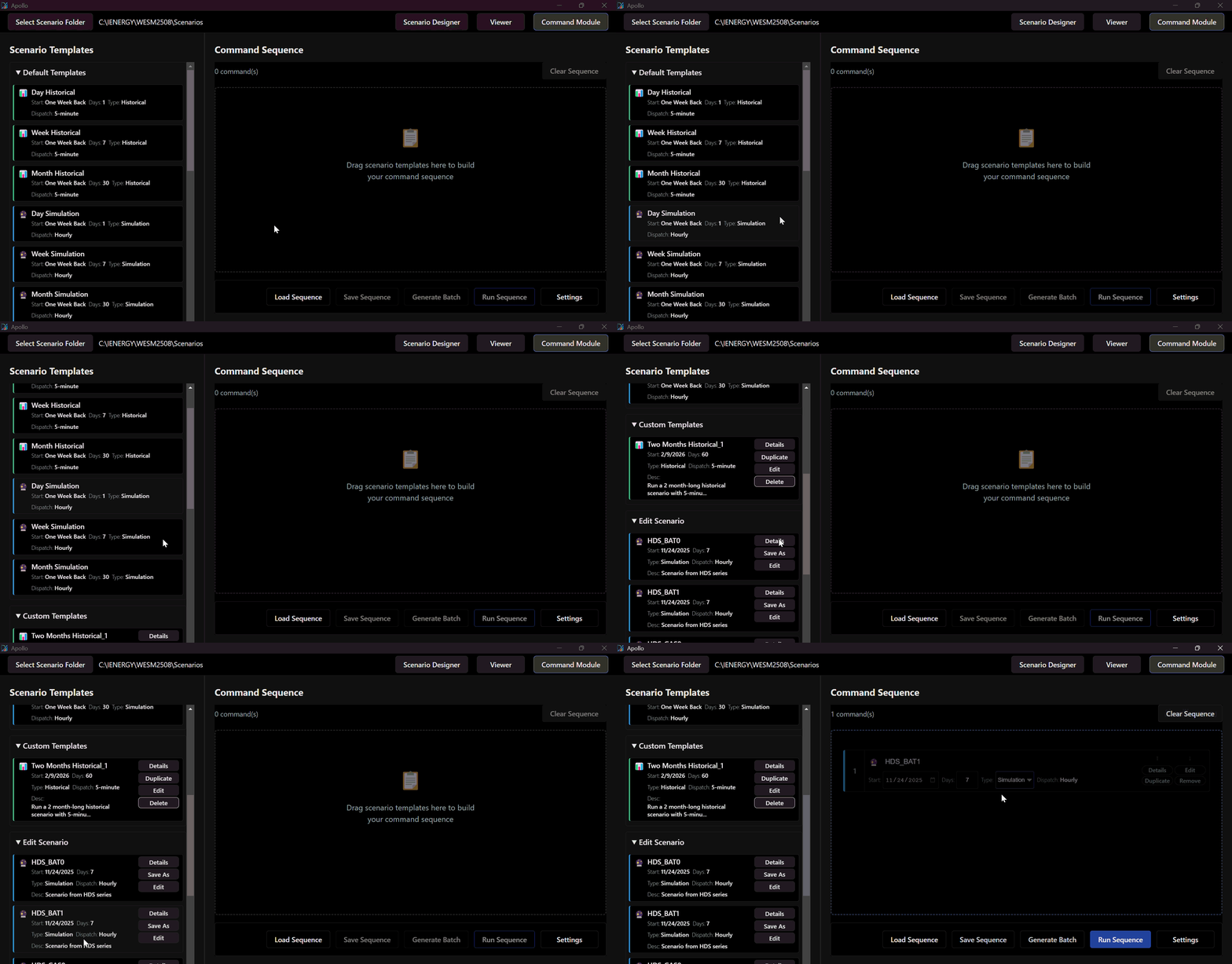
This section outlines the functionality of the Scenario Templates Tree, which serves as a centralized library for managing simulation configurations. It is categorized into three primary functions:
- Default Templates
- Custom Templates
- Scenario Editing
Scenario Template Management
The Scenario Template module contains pre-configured scenarios for commonly used workflows, such as historical data loading and simulation modeling.
Utilizing Default Templates
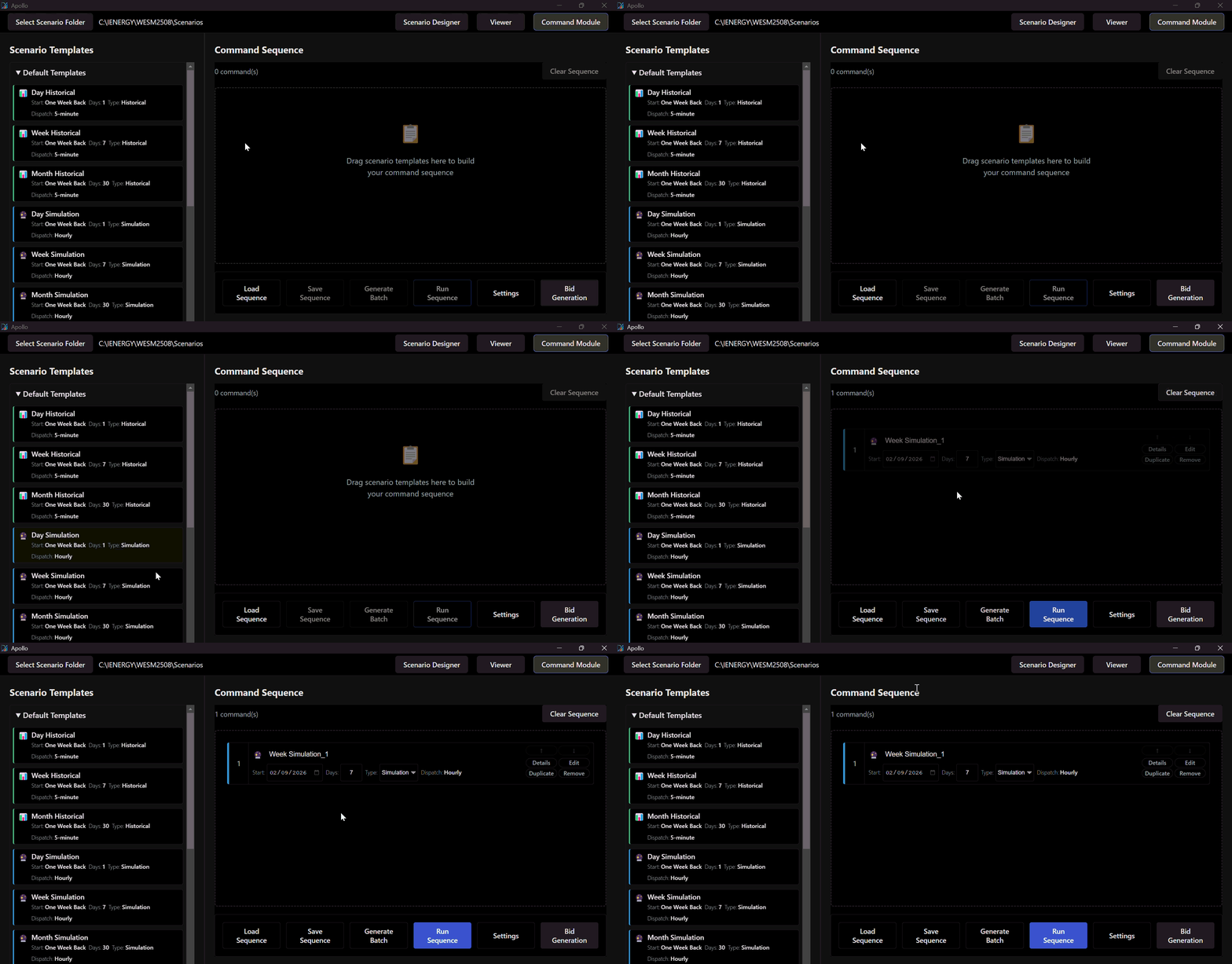
Users can quickly create new scenarios by dragging the appropriate template from the tree directly into the workspace. The system supports various temporal scales, allowing for effortless setup of both one-day and weekly scenarios.
Creating Custom Templates
For highly specific simulations, you can create and save custom templates to your library.
To create a custom template:
- Drag an existing template into the workspace.
- Edit the simulation parameters to fit your specific requirements.
- Click Save as Template to store the configuration for future use.
Editing Existing Scenarios
You can easily modify an existing scenario directly within the active working folder. This feature is highly efficient for rerunning simulations with minor parameter adjustments or when generating a new scenario closely related to an existing base model.